
Web 3D CAD Viewers
Visualizing 3D CAD on your website

Goal: View CAD model on website that’s being built using Framer
TL;DR:
Export .gltf file from OnShape
Correct the file to include certain materials or transparency as needed in Babylon. Export .glb from there
Vibe coded component in Framer (using claude) which can accept .gltf/ .glb files
I have covered a rather quick video covering this, here
(sucks that substack doesn’t let you embed loom videos)
Other things I tried:
I tried to build the tool in framer that could import multiple gltf files so that I could tweak the materials/transparency/exposure for each body. This was a multi hours trial that didn’t work, primarily because I was vibe coding. I couldn’t get each body to scale and have the same coordinate system. On top of it, they all won’t move together (see below the output where bodies aren’t in sync upon rotation
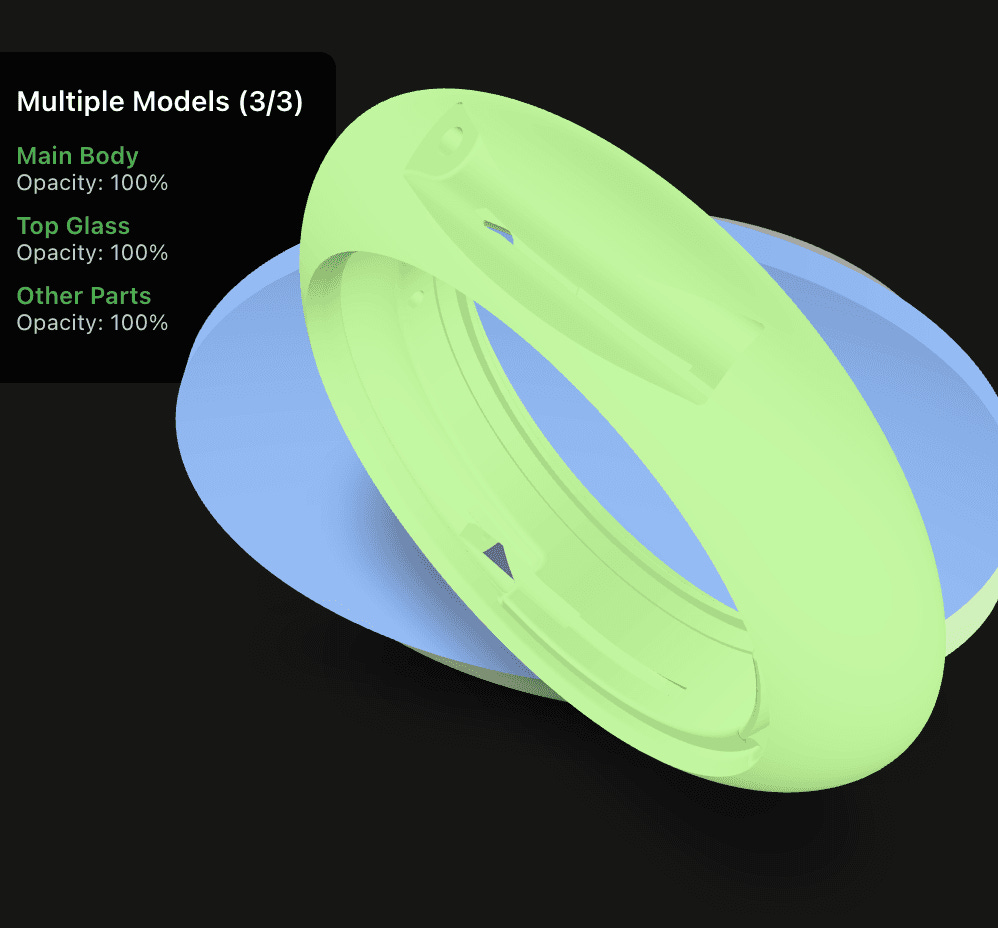
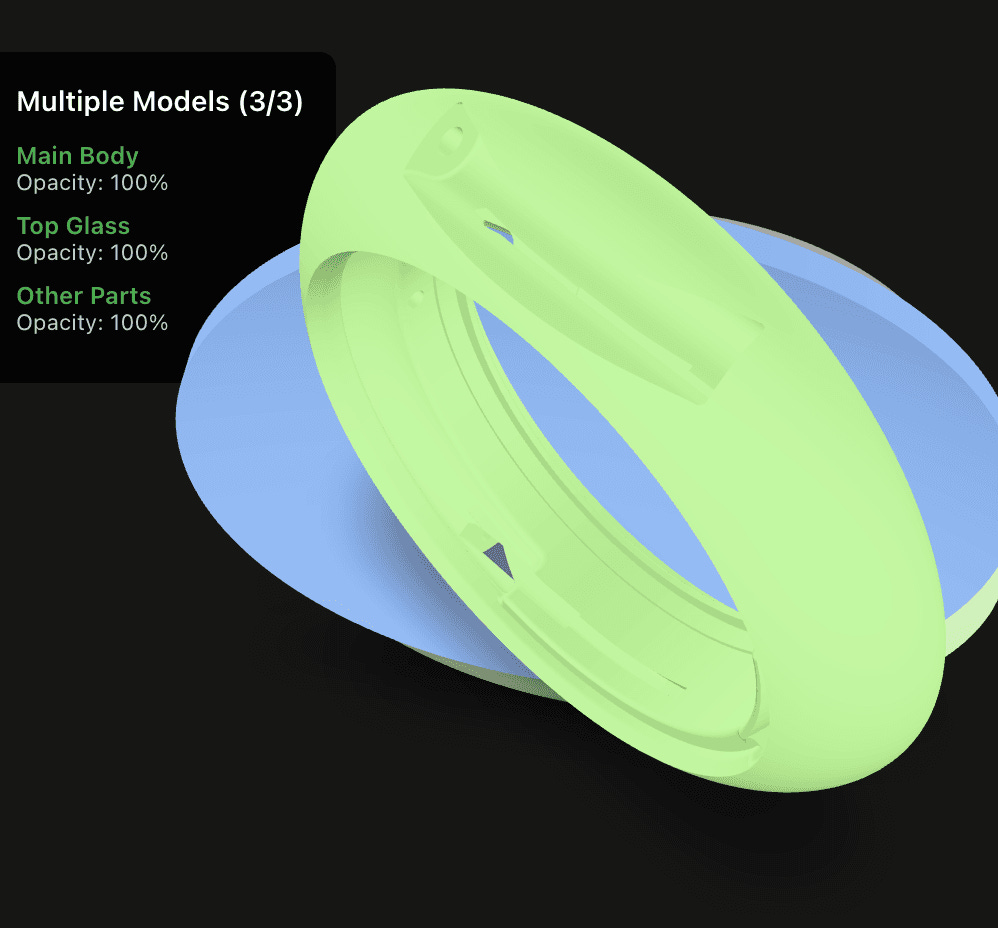
As I was unable to get a single CAD file to provide ability to tweak transparency for various components in it, I tried combining individual files using mac terminal while seeking help from chatGPT. It went through but the out file did not have all the components. I didn’t pursue it further
Let me know if you have any questions about it or ways to do things differerently. Once I am done updating the site, I will see if I can share the 3D viewer component code (for framer).
Libraries/Tools/Notes:
https://modelviewer.dev: excellent source based on which the component is framer is built
https://three.js: Even larger and advanced library compared to modelviewer but I couldn’t get it to work on Framer
gltf and glb are the web friendly formats for 3D models (people mostly know .stl which is used for 3D prints)
P.S.: I am going to write about other topics including EB1A greencard soon. Unfortuantely, haven’t gotten to it yet!
If you think someone else would benefit from this, share it with link below
Brilliant work!